

📺 New to Aoocci? Watch the general video update guide
Downloads & Firmware
Find user manuals and the latest software updates for your device.
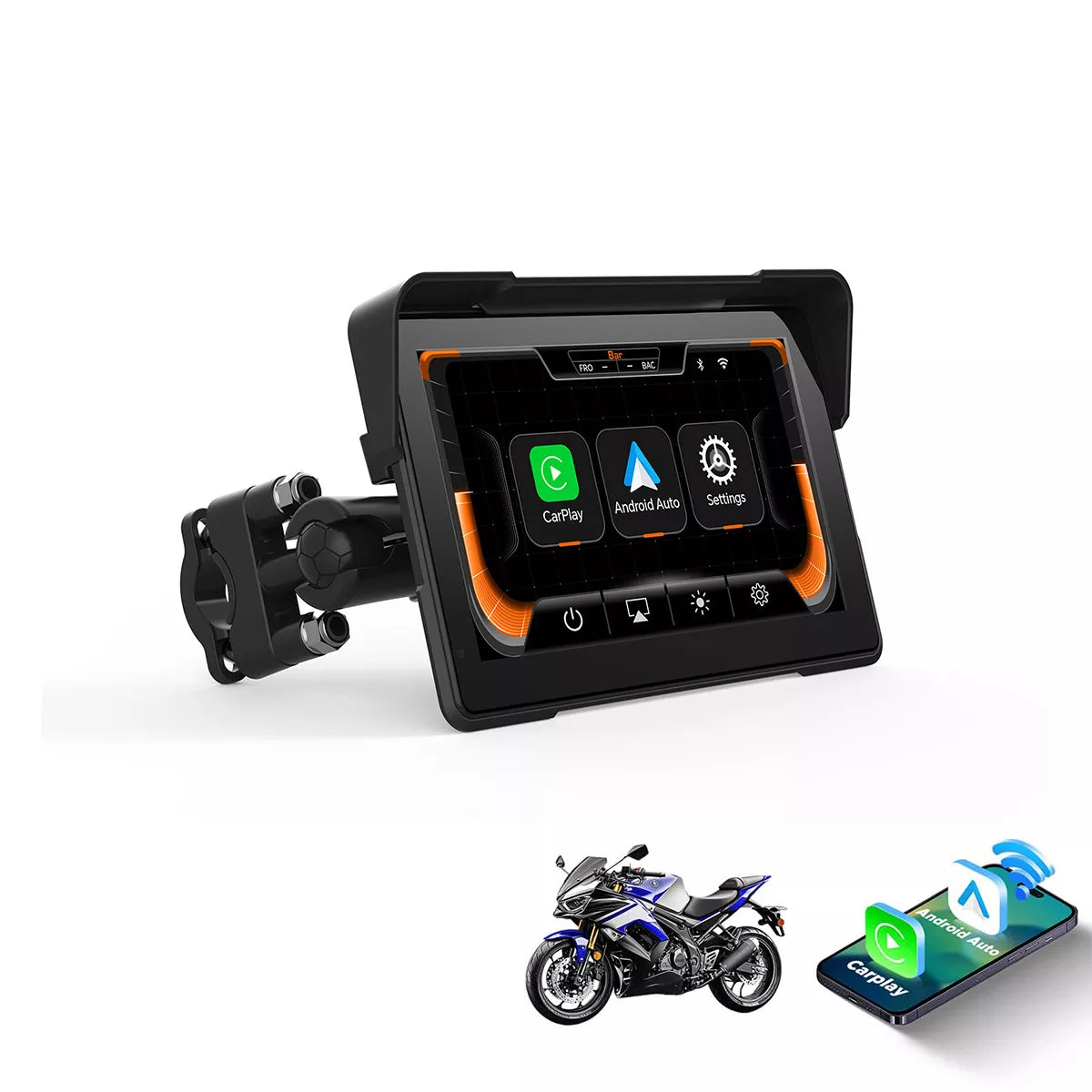
C7
Installation Guide & Tools
Required tools: PhoenixCard software
How to update:
- Extract the firmware file.
- Use PhoenixCard to burn the
.imgfile to the SD card (select "Startup" mode). - Insert the card into the C7 and turn on the power.
Changelog: Fixed Bluetooth connectivity issues.


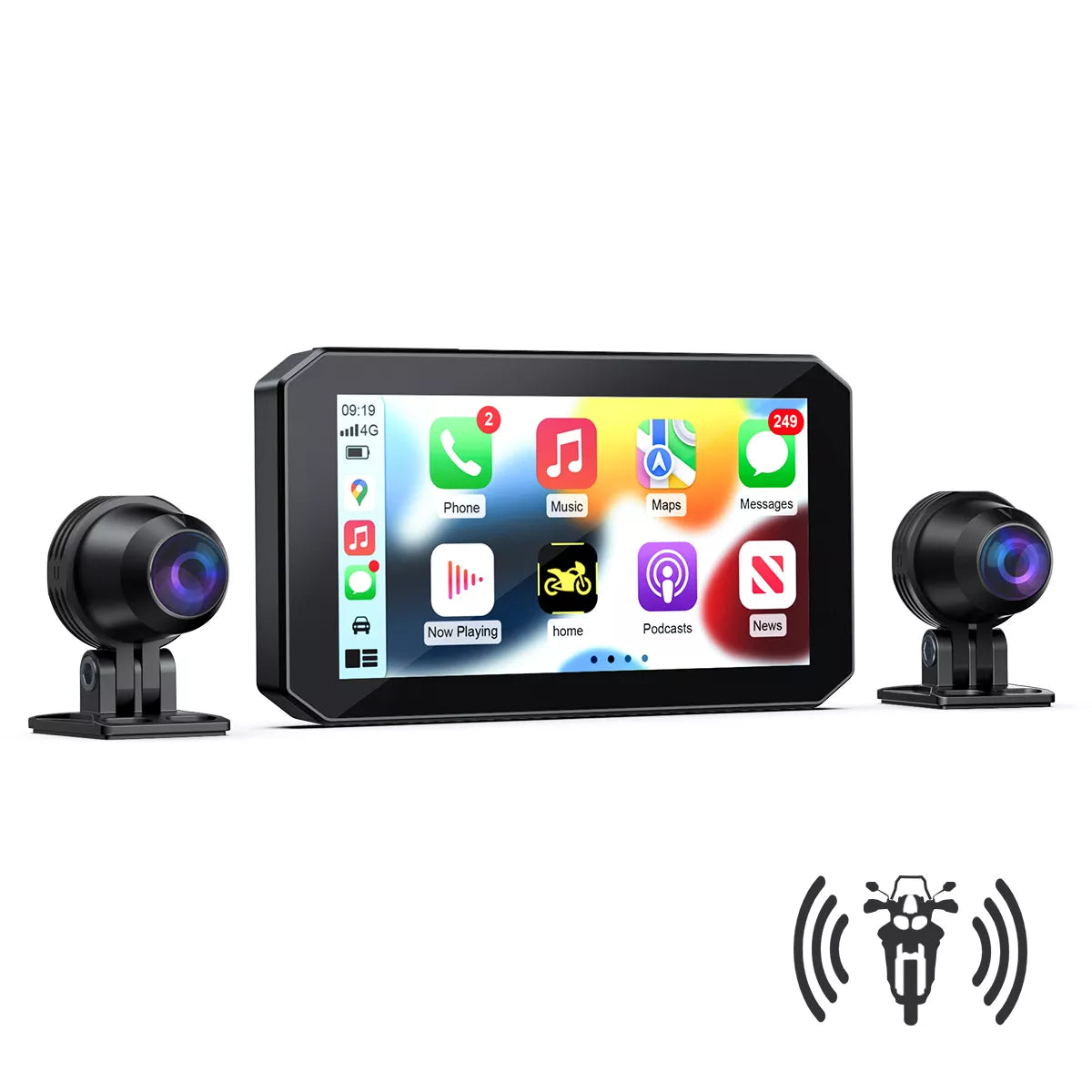
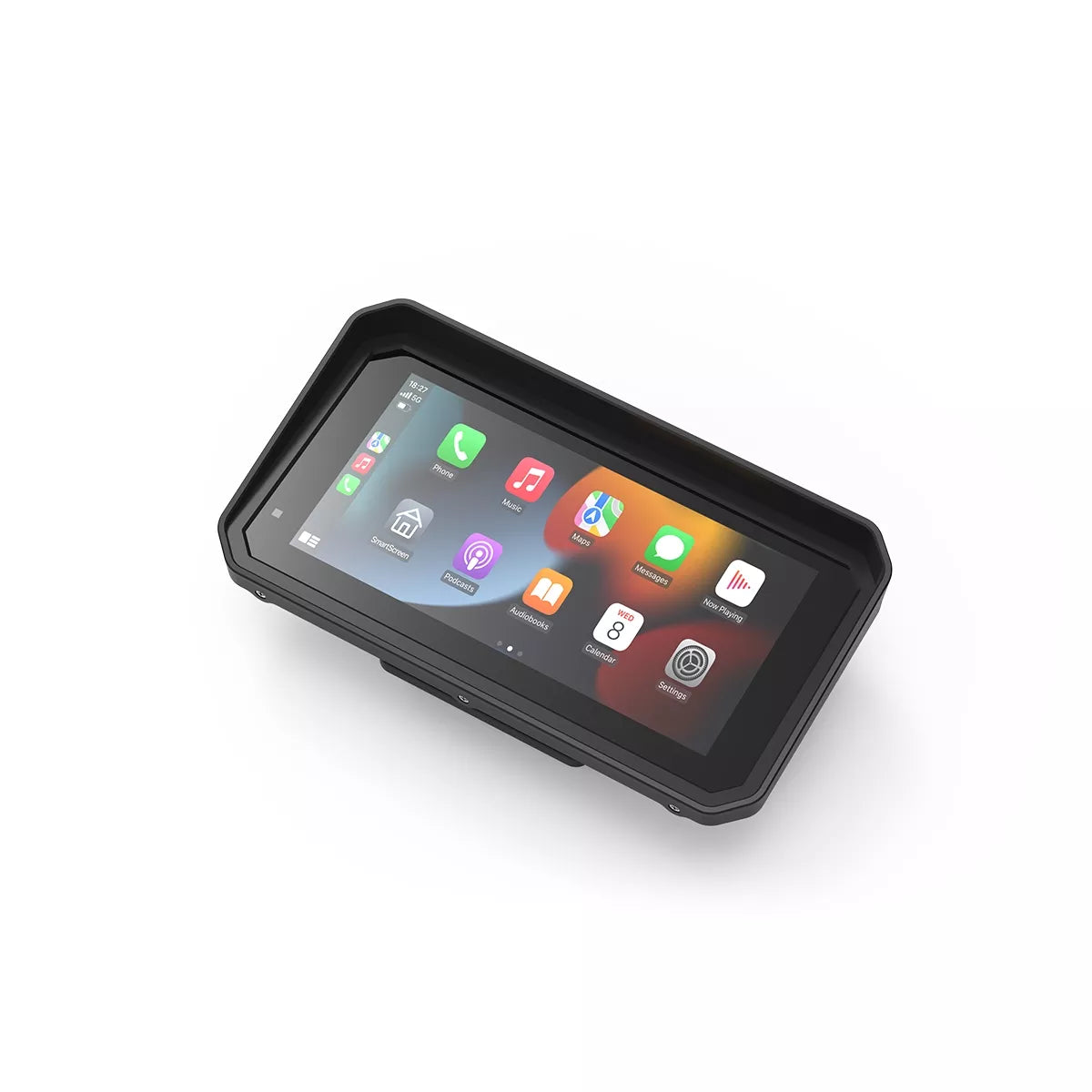


U6 & U7
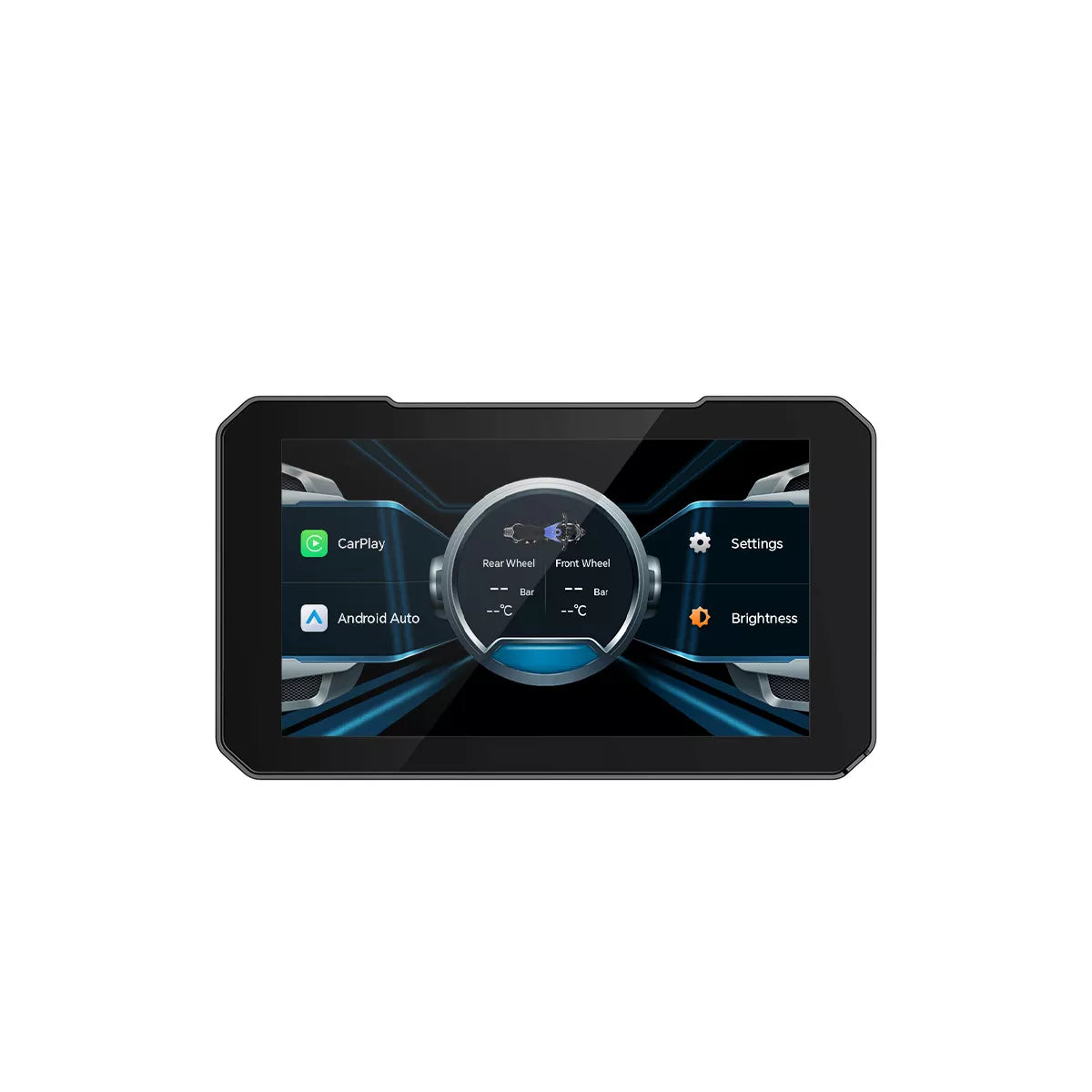
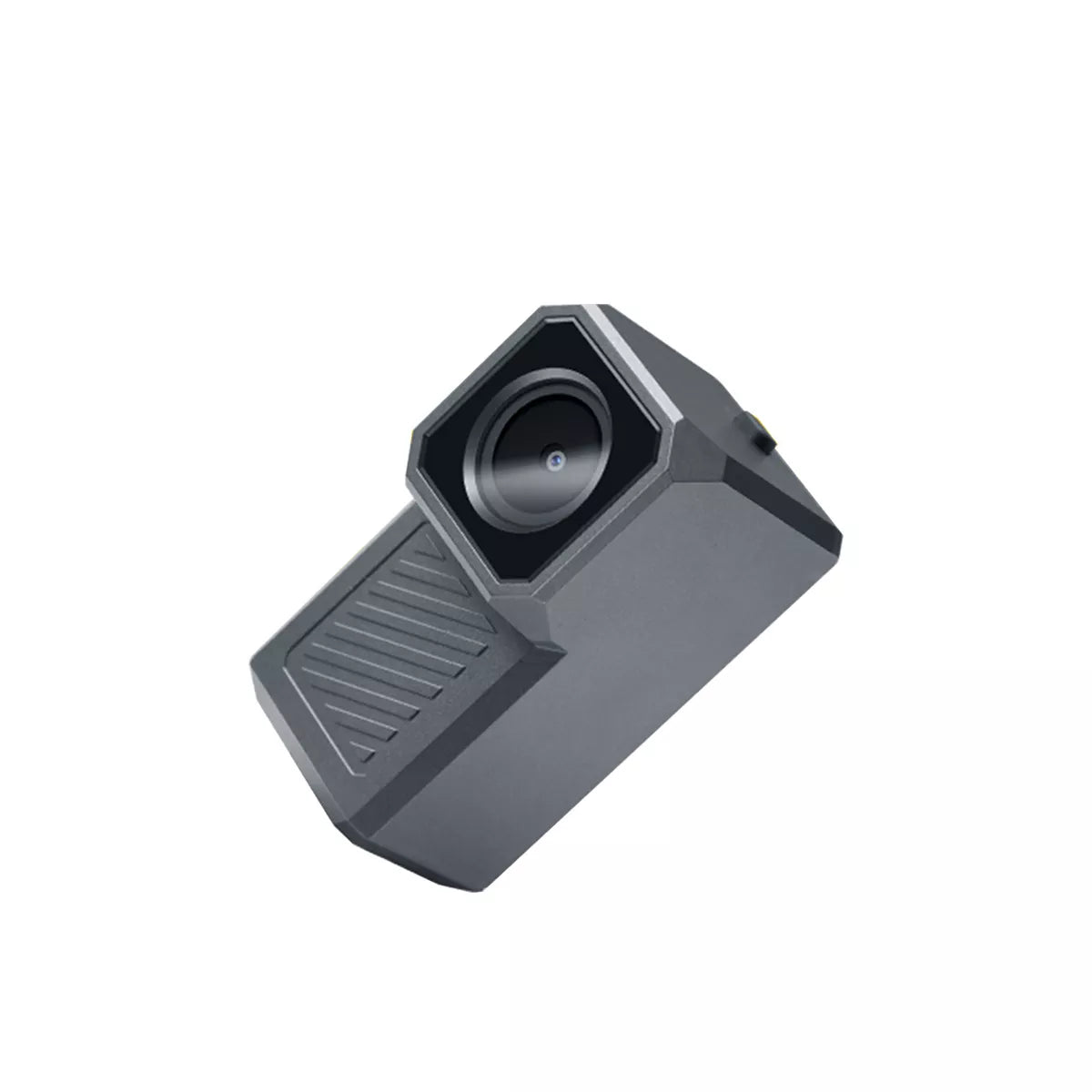
R1
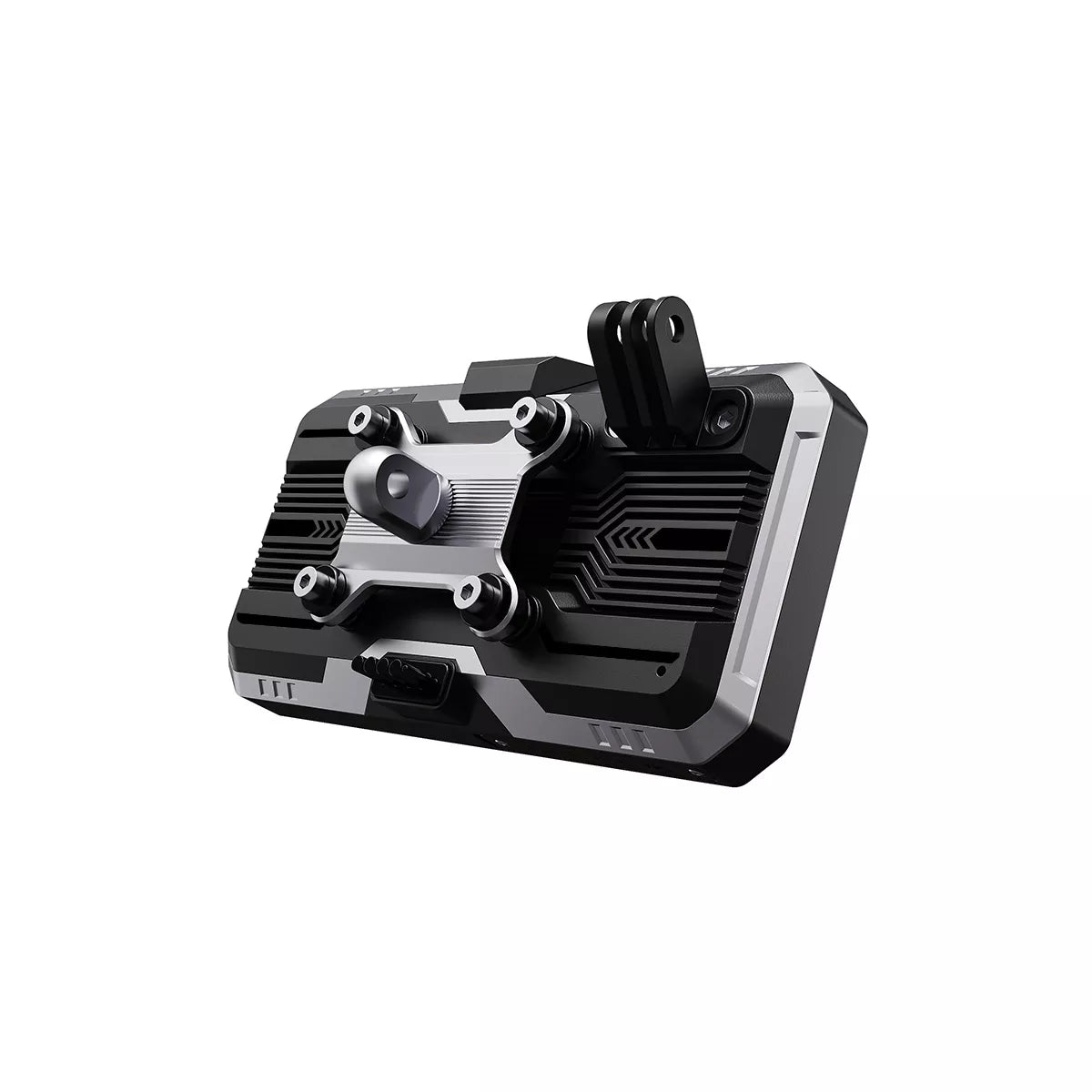
C9 Pro Max

C5 Pro

BM5.5
Frequently asked questions
Quick answers to the most common questions about installation and use.
Can't find what you need? Contact support →How to connect the ACC cable correctly?
The positive (red) and negative (black) terminals of the step-down cable connect directly to the motorcycle's battery. The ACC cable (yellow) must be connected to the motorcycle's ignition wire (the wire that only has power when the key is turned ON, such as a tail light or fuse).
How do I watch recorded videos on my phone?
1. Go to your device's settings menu.
2. Find the "Download App" QR code and scan it to install the Motonavi app.
3. Connect your phone to your device's Wi-Fi network.
4. Open the app to watch, play, and download videos directly to your phone.
How do I replace the battery in my wireless controller?
First, gently peel back the rubber anti-slip cover on the back of the remote. You'll see screws underneath. Remove the screws to open the back cover and replace the button cell battery (CR2032).
Why doesn't the device turn on automatically?
Check that the ACC (yellow) cable is connected correctly. If the ACC cable is loose or not connected to the ignition power source, the device will not know when the motorcycle has been started.